Your first round, the easy way
CaddieIQ does a lot — but you don't need all of it on day one. Do these steps once, then just play. It learns the rest as you go.
That's all you need to start. Everything else is optional, or CaddieIQ works it out from the shots you play.
Set up once
Download & open
Get CaddieIQ from Google Play and open it. Your first 7 days are a free trial with every feature unlocked, so you can try the lot.
▶ Get it on Google Play
Sign in with Google Recommended
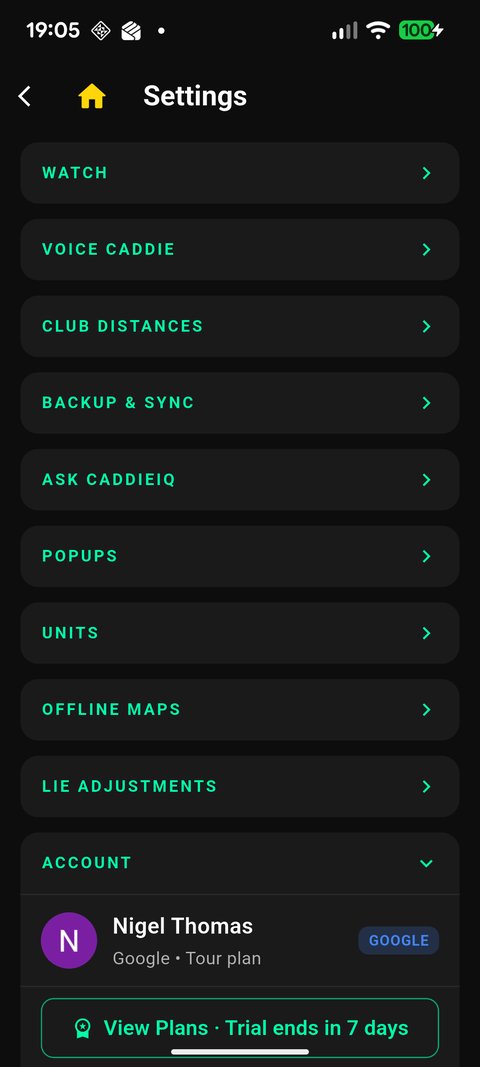
Tap the gear (top-left) and sign in. This backs up your bag, distances and stats to the cloud — so nothing is ever lost and it all restores instantly if you change phones.
Build your bag
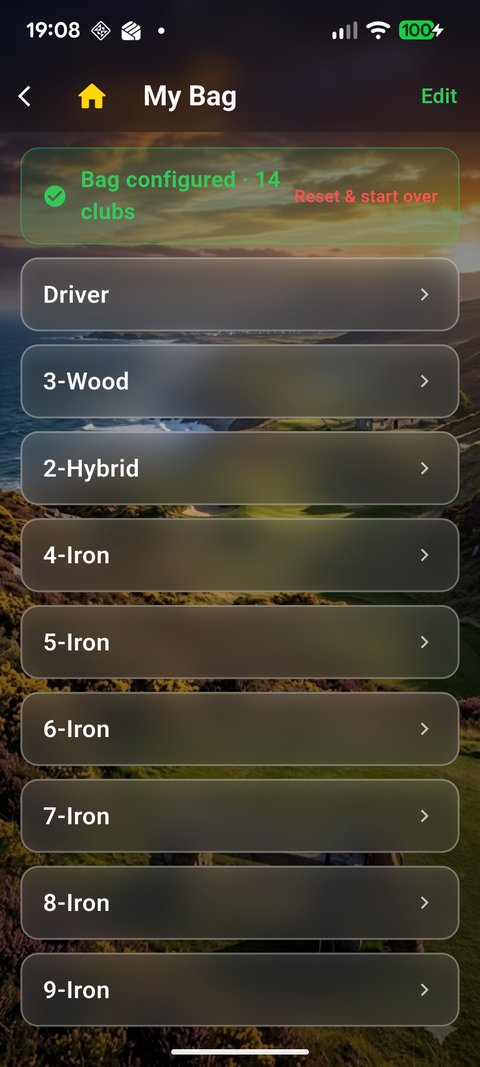
Go to Locker Room → Your Bag and add the clubs you carry, driver through putter. This is the engine behind every yardage and club suggestion, so it's the one step worth getting right.
Set your skill level
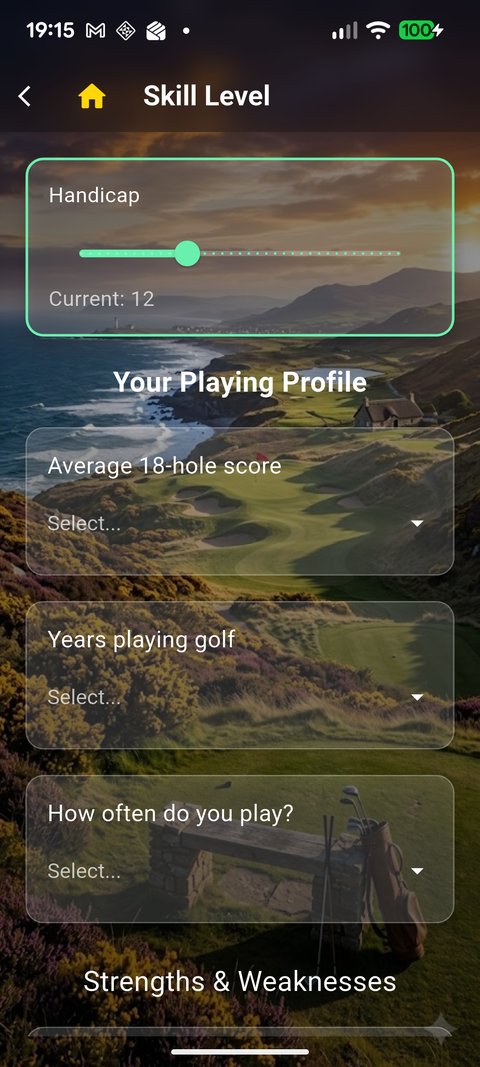
Tell CaddieIQ what kind of golfer you are. It tunes the advice to you — a sensible number for your game, not a tour pro's.
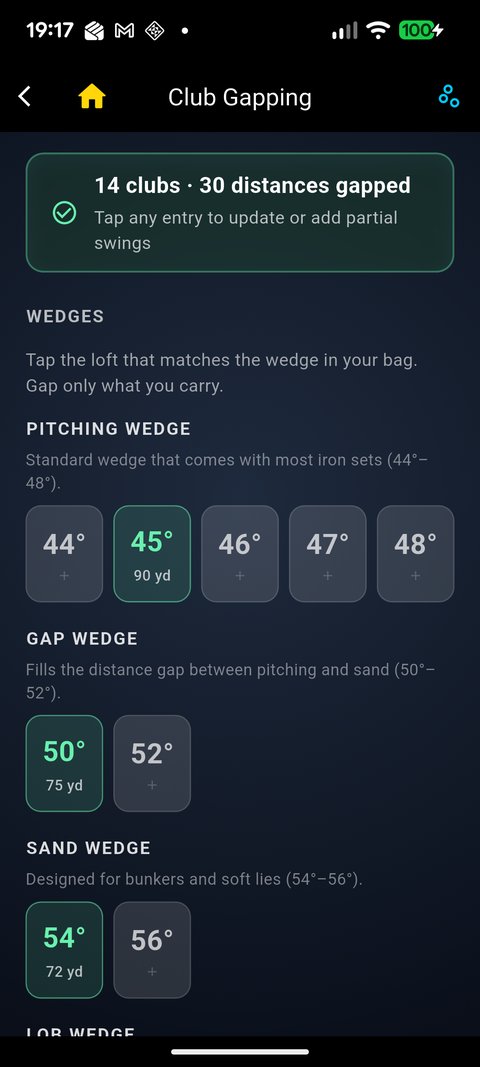
Add your distances Optional
Know your carry numbers? Enter them in Club Gapping. Don't know them? Leave it — CaddieIQ learns your real distances from the shots you log, usually within 5–10 rounds.
Allow location (GPS)
Say yes to location when the app asks. Without it there are no course distances — it's how CaddieIQ knows where you are on the hole.
Location permission prompt
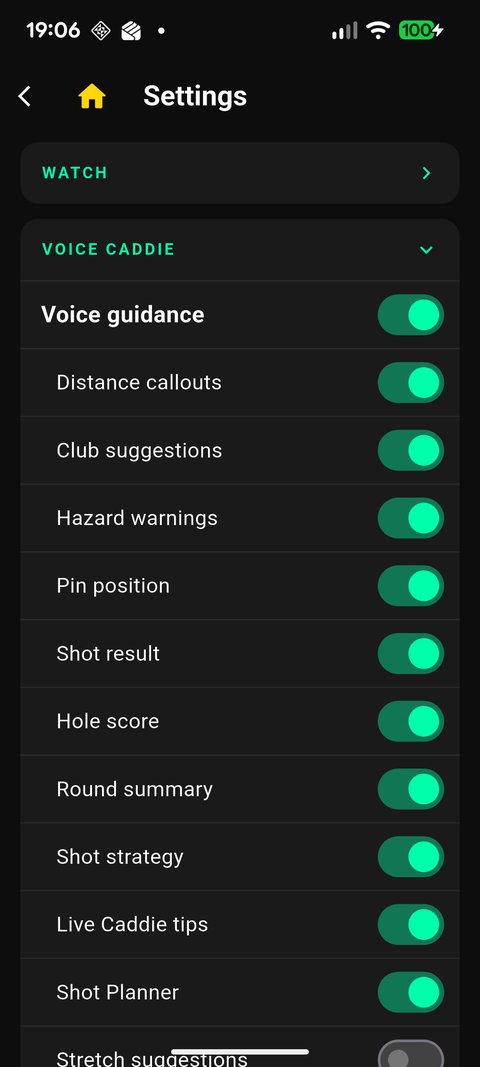
Pick your voice Optional
In Settings → Voice, choose your caddie's voice (say hello to Brian) and switch on voice guidance, so your caddie talks you through distances and shots hands-free.
Your first round
Start a round
From the home screen tap Find a Course. GPS lists courses near you — pick yours and you're on the first tee.
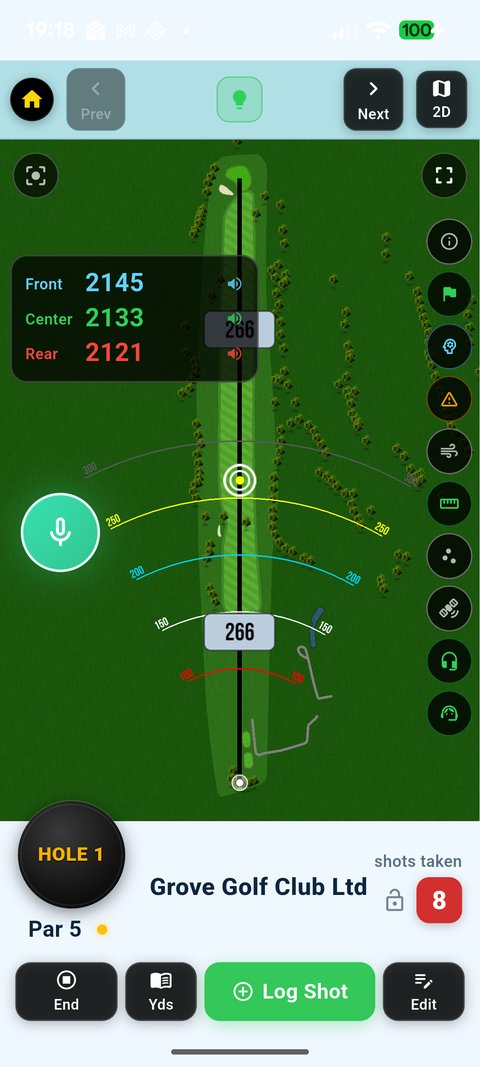
Read your distances
The map shows front / centre / rear of the green. Drag the target ring to any point — a bunker carry, a layup — and it gives you the exact yardage there.
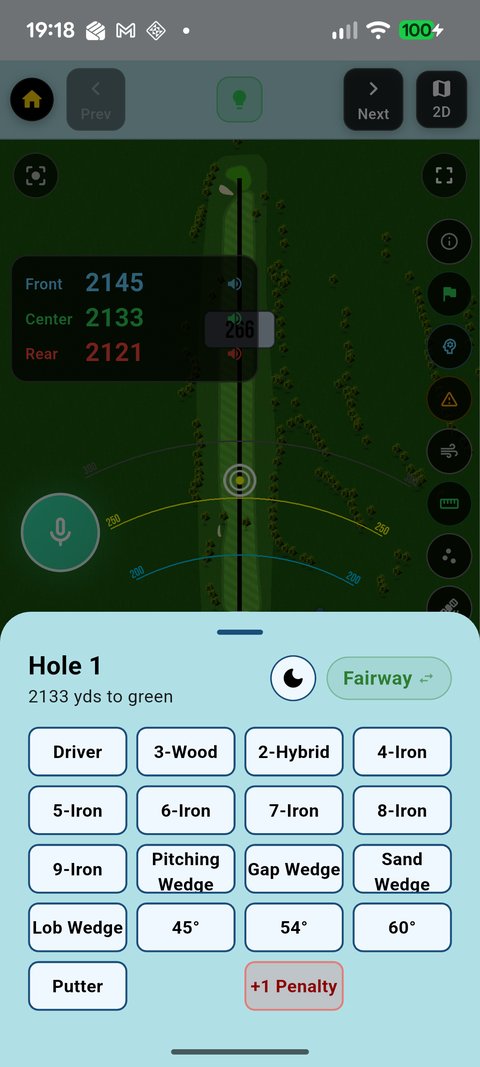
Log a shot
Tap Log Shot, choose the club and swing you played. Every shot you log sharpens your distances and stats — this is how CaddieIQ gets to know your game.
Ask your caddie
Tap the mic and just ask — "what club from here?", "how do I play a ball below my feet?". It answers out loud, using your own numbers and CaddieIQ's coaching.
Ask CaddieIQ mic + answer card
Mark the flag, hole out, next hole
Drop the pin on the flag for pin-accurate distances, tap through your putts, and move on. Your score builds automatically as you go.
Flag marking / putt dialog
End the round
Tap End to finish. You get your scorecard straight away — and over time your stats, strokes gained and shot dispersion build a real picture of where you're winning and losing shots.
Scorecard / round summary
When you're ready
Swing analysis & pro comparison
Film your swing, get angle overlays and coaching, and compare against a model swing.
Club gapping & My Carry Map
See your real distances laid out club by club, with the gaps and overlaps.
Strokes gained & dispersion
Where you're actually gaining and losing shots — driving, approach, short game, putting.
Range, Putter & Launch Caddie
Focused practice modes for dialling in every part of the game.
That's it — go play.
Set up once, and CaddieIQ does the thinking so you can focus on the shot.
▶ Get CaddieIQ on Google Play Read the full manual →